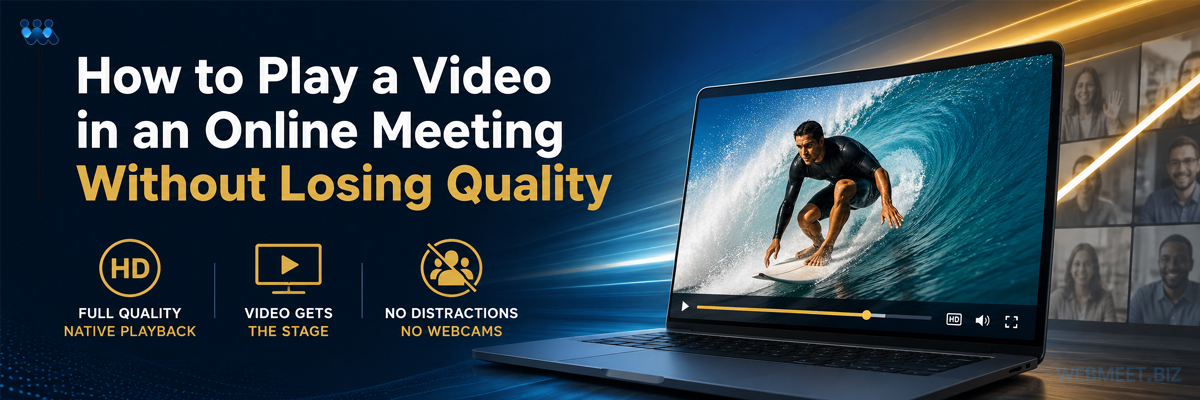
How to Play a Video in an Online Meeting Without Losing Quality
WebMeet® Solutions
If you want to know how to play a video in an online meeting without losing quality, the short answer is this: stop sharing your screen. Screen sharing was built to demonstrate software and live workflows. It was never designed to deliver motion video, and the difference shows the moment a prospect is watching.
That matters more than it might sound. When you are introducing an opportunity, presenting a product, sharing a testimonial, or welcoming a new prospect, the quality of that presentation becomes part of the first impression. Nobody in the room is separating the message from how it arrived.
Why Screen Sharing Degrades Your Video
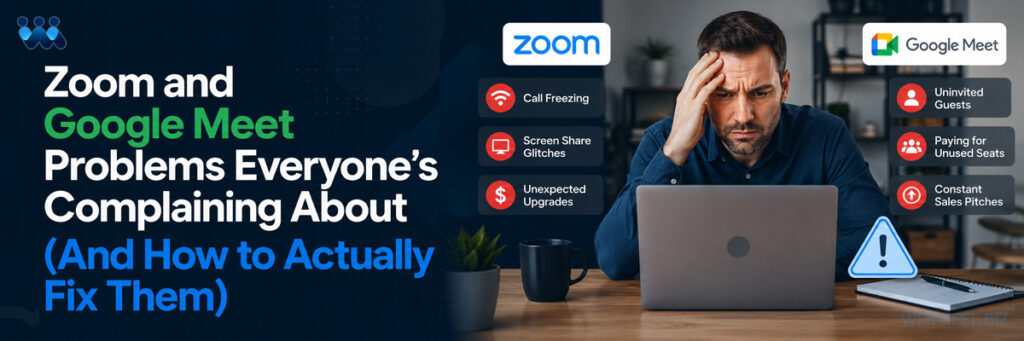
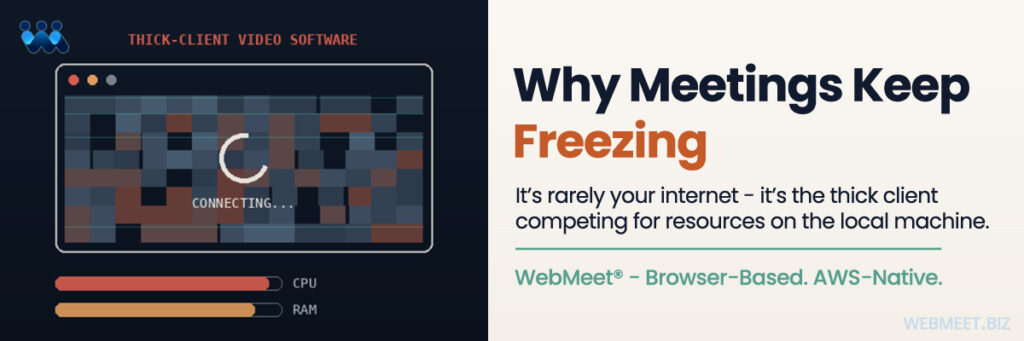
On general purpose meeting platforms like Zoom and Google Meet, presenting a video means sharing your screen. The platform captures whatever is on your monitor and re-encodes it live, while simultaneously transmitting every participant’s camera feed over the same connection.
Two things happen as a result. The frame rate drops and the video stutters. And the participant webcams stay on screen the entire time, competing for attention with the very thing you asked everyone to watch.
This second problem is the one most presenters never think about. Inexperienced presenters are often not even aware that every webcam should be off when all eyes and ears need to be on the content. They are focused on getting the video to play at all. Meanwhile a dozen small live faces are pulling attention away from the message.
See the Difference Side by Side
Below are two recordings of the exact same video, presented in a live meeting two different ways. The first is delivered by screen share.
Video © Brand Savage LLC. All rights reserved. Source: BrandSavage.com
Watch the first ten seconds. The reduced frame rate and stuttering are immediately visible. Notice the participant webcams sitting above the video. Notice that the video itself is not filling the screen, it is nested inside a media player inside a shared screen, wrapped in interface elements that have nothing to do with your message.
Now the same file, presented through WebMeet®.
Video © Brand Savage LLC. All rights reserved. Source: BrandSavage.com
The video plays at its original quality and full frame rate, smooth and clear and exactly as it was intended to be seen. When the video begins, the participant webcams are automatically removed from view, so everyone is focused on the presentation itself.
Same video, connection speed and computer.
Two completely different impressions.
How WebMeet Plays Video Differently
WebMeet handles video through a feature called Present Videos, and the workflow is deliberately simple because the person presenting is often brand new.
You add a video to your meeting room once by pasting a link and naming it. It stays saved in that room until you remove it. That means you are not tied to one laptop or one office. Log in from any internet connected device and your company approved videos are already waiting.
To present, you click Select to Present and press Play. You can pause to discuss a point, rewind, or fast forward, then resume exactly where you left off. When you are finished, you can either choose another video or return the room to face to face for questions and next steps.
There is no file to hunt for, no tab to find, no desktop to accidentally expose, and no screen share to negotiate. Two clicks, and the video is on.
The Webcam Problem Solves Itself
The detail that separates this from a simple quality upgrade is what happens to the cameras.
WebMeet turns participant cameras off automatically when a video starts playing. This is not a setting a presenter has to remember, and that distinction is the entire point. A new distributor three weeks into their business is thinking about a dozen things at once. Asking them to also remember to manage everyone’s webcam before pressing play is asking for a step that will get skipped.
When the tool handles it by default, every presentation gets the same clean result regardless of who is running it. That consistency is what makes a system duplicable, and duplication is what allows an organization to scale without quality degrading as it grows.
Why This Is a Brand Decision
Here is the larger frame. Every video your company produces passes through a delivery layer, and on a rented platform that layer belongs to somebody else. You control the asset. You do not control how it reaches the person watching.
For a company whose growth depends on distributed people presenting on your behalf, that is a meaningful gap. It is the same structural issue that shows up with content governance across a field organization, which we covered in our article on the web meeting platform built for network marketing companies. When corporate does not own the delivery layer, corporate cannot govern what happens inside it.
Ownership is the deeper answer, and it extends past video playback into the entire platform relationship. We wrote about that distinction in our piece on being more than a reseller video conferencing platform.
Give the Video the Stage
A prospect’s first real exposure to your company is often a video that someone plays in a live meeting. That moment deserves better than a screen share and a wall of competing webcams.
Watch the two clips above one more time, then ask a straightforward question about your own organization: when your team presents tonight, which version are your prospects watching?
WebMeet does not just show the video. It gives the video the stage.
Schedule a strategy call today, and let’s talk about what a branded web meeting solution could do for your business. Click the Book a Strategy Call button below.