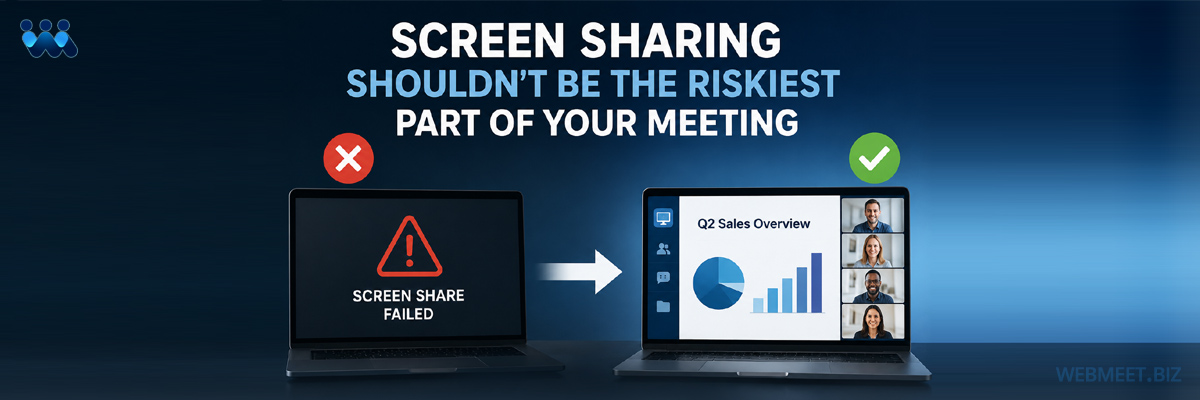
Screen Sharing Failures
WebMeet® Solutions
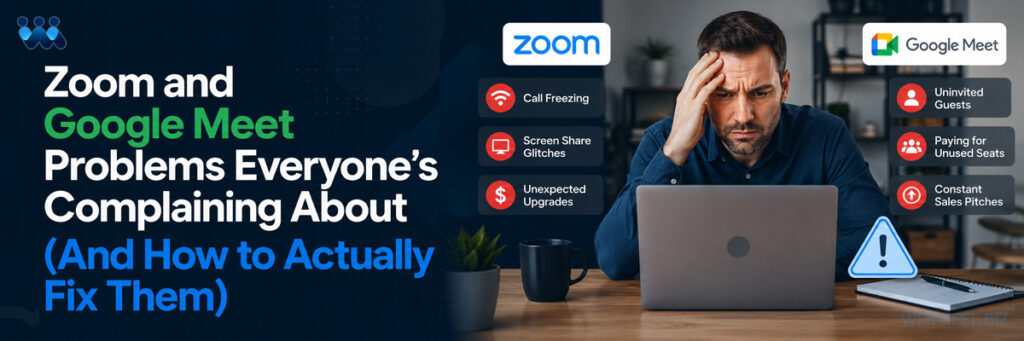
Of all the ways a video call can go sideways in front of a client, screen sharing failures might be the most publicly embarrassing. Users of both Zoom and Google Meet report a consistent pattern: sharing a window works, but switching to a document or a different tab doesn’t; the browser freezes mid-share and the whole meeting has to restart; presenters lose the ability to see participant video feeds the moment they start sharing from a different tab. One recurring complaint sums it up well — needing to restart an entire call just to change what’s being shared.
That’s not a minor UX quirk. It’s the moment where a sales demo, a board presentation, or a client walkthrough visibly breaks down in real time, in front of the exact audience the presenter was trying to impress. And unlike a dropped call, which can plausibly be blamed on “the internet,” a broken screen share happens in full view of everyone on the call, with the presenter fumbling through it live while trying to keep the conversation moving.
The Real Cost of a Broken Share
The damage from a screen-share failure rarely stays contained to the technical glitch itself. Presenters lose their train of thought recovering from it. Prospects and clients quietly recalibrate their confidence in the vendor running the call — not because the underlying pitch was weak, but because the tool visibly failed at a basic task. Sales teams in particular report having to build informal workarounds into their process: opening every tab in advance, avoiding live application demos, keeping a backup device on standby in case the primary share fails mid-presentation. All of that is time and mental overhead spent compensating for a platform limitation, rather than focusing on the actual content of the meeting.
Why It Happens
Live screen sharing asks a lot of a video platform in the moment: capturing a display or window, encoding it, streaming it, and keeping it in sync with audio and video feeds — all while the presenter is actively toggling between windows, tabs, and applications on the fly. Every switch is a new negotiation between the app and the operating system’s screen capture permissions, which is exactly where freezes and dropped shares tend to originate. The more improvised the presentation — switching between a slide deck, a browser tab, and a demo environment — the more chances there are for something to break.
This is fundamentally a live-improvisation problem. The platform is being asked, in real time, to correctly capture whatever the presenter decides to show next, with no advance knowledge of what that will be or when the switch will happen. That’s a fragile model even when it works, because it depends on split-second technical coordination happening flawlessly, every single time, under the added pressure of an audience watching.
How WebMeet® Solves It
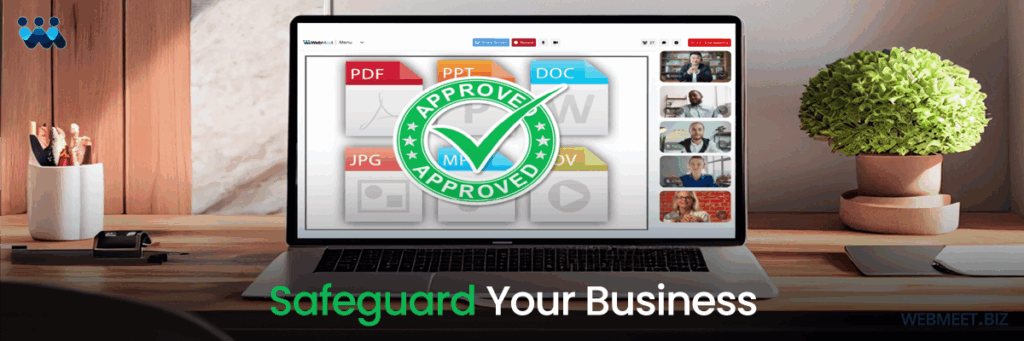
WebMeet® takes a fundamentally different approach: meeting rooms are pre-built, not improvised. Instead of presenters live-toggling between windows and hoping the share holds, WebMeet® rooms come pre-loaded with the approved decks, links, videos, and layouts a licensee wants shown — configured once, in advance, rather than assembled live under pressure.
That structural difference removes the exact failure point people report. There’s no mid-meeting scramble to find the right window, no permission renegotiation with the OS every time content changes, and no risk of losing sight of participant video the moment sharing starts. The content flow is already built into the room before anyone joins, which means the presenter is navigating a known, tested sequence rather than improvising a live capture of whatever’s on their screen in the moment.
What This Means in Practice
For a sales or training organization, this changes what preparation for a meeting actually looks like. Instead of a presenter mentally rehearsing which tabs to have open and in what order, the room itself already reflects that sequence — tested and confirmed before the first guest ever joins. That also means every presenter delivering the same pitch is working from the same reliable setup, rather than each person’s individual comfort with live screen-share juggling determining how smoothly a given meeting goes. Consistency across presenters, not just within a single presenter’s skill at troubleshooting live, is part of what a pre-built room model protects.
It also changes how a licensee thinks about onboarding new presenters. Training someone to run a live, improvised screen share well takes practice and still leaves room for error under pressure. Training someone to run through a pre-built room takes a fraction of the time, because the sequence of what gets shown, and when, is already decided — the presenter is guiding the conversation, not simultaneously managing the technical mechanics of what’s on screen.
The Bottom Line
The presenters getting burned by screen-share failures aren’t bad at using the software — they’re using a live-improvisation model that was never built to be failure-proof. WebMeet’s pre-built room model exists specifically so that what gets shown to a client, prospect, or trainee has already been tested and locked in, long before the meeting starts.
Schedule a strategy call today, and let’s talk about what your branded web meeting solution could do for your business.