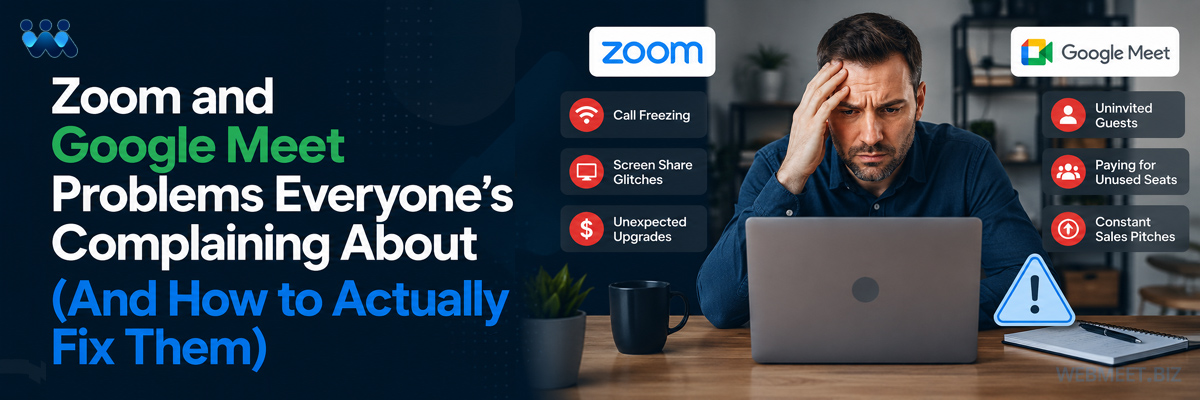
Zoom and Google Meet Problems Everyone's Complaining About (How to Actually Fix Them)
WebMeet® Solutions
You’ve felt it. The meeting freezes right as you’re making your point. The screen-share glitches out while a client is watching. You get an email about a plan you didn’t ask to upgrade to. Your free trial cuts off mid-meeting, whether you’re ready or not.
You’re not imagining it. And it’s not you doing something wrong.
Millions of people run their businesses through Zoom and Google Meet every day and millions of people quietly troubleshoot the same handful of problems, over and over, assuming it’s just “how web meetings are.” It isn’t. Here’s what’s actually going wrong, and what a platform built differently, WebMeet®, does instead.
Your Connection Isn’t the Problem
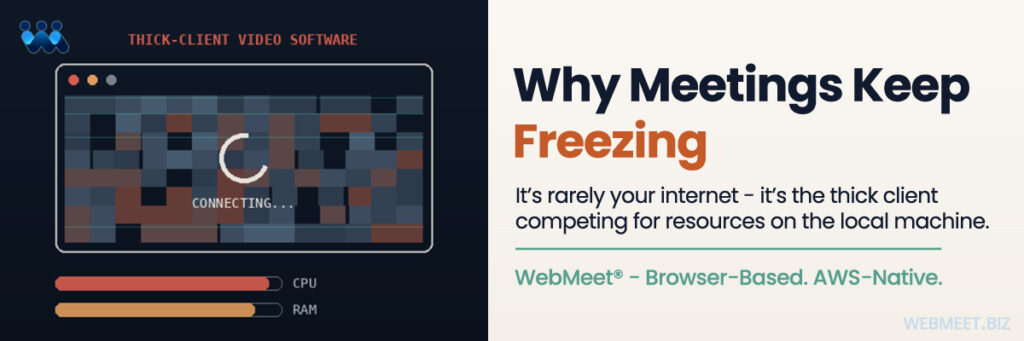
Ask around and you’ll hear the same story: CPU usage spikes the second the camera turns on, the screen share lags, the audio freezes for twenty seconds and reconnects like nothing happened. Most people blame their Wi-Fi. Restart the router. Close some tabs. Try again.
But here’s the question worth asking: what if it’s not your internet at all?
Platforms built on thick client-side applications put real strain on your device just to keep the meeting running. WebMeet® takes a different approach. Its infrastructure is AWS-native, which avoids the client-side resource strain that causes those freezes and slowdowns in the first place. You stop troubleshooting your own hardware for a problem that was never yours to fix.
One Outage Takes Down Everyone
There’s a reason “is Zoom offline?” trends on social media every few months. When a shared, centralized platform has a bad day, it has a bad day for everyone on it, all at once, with no warning, and nothing you can do about it.
What if the platform you relied on didn’t have that single point of failure? WebMeet® deploys each licensee into their own dedicated AWS account. That means a problem in one organization’s environment doesn’t cascade into yours. You’re not exposed to someone else’s outage. Your meetings run on your infrastructure, not a shared, vendor-wide system that goes down for thousands of people the moment something breaks.
Anyone Can Wander Into Your Meeting
Uninvited guests crashing a meeting isn’t just embarrassing, it’s a real trust and security failure. So ask yourself: if someone unwanted showed up mid-meeting right now, how fast could you actually get rid of them and keep them out for good?
On WebMeet®, only people who’ve been invited, or who have the actual meeting link, can join in the first place. And if a host needs to remove someone, it takes two clicks. That person is placed on a Banned list and can never rejoin a meeting on that platform again, unless the host removes them from that list. No fumbling through settings mid-meeting. No hoping they don’t come back next time.
That’s on top of a separate, deeper layer of trust: WebMeet’s zero-standing-access architecture means we, as the developers of WebMeet®, don’t hold standing access to monitor a licensee’s customer data. That’s a data-security guarantee for licensees and their customers, distinct from, and in addition to, the in-meeting access controls hosts use every day.
You’re Paying for People Who Aren’t Even Logged In
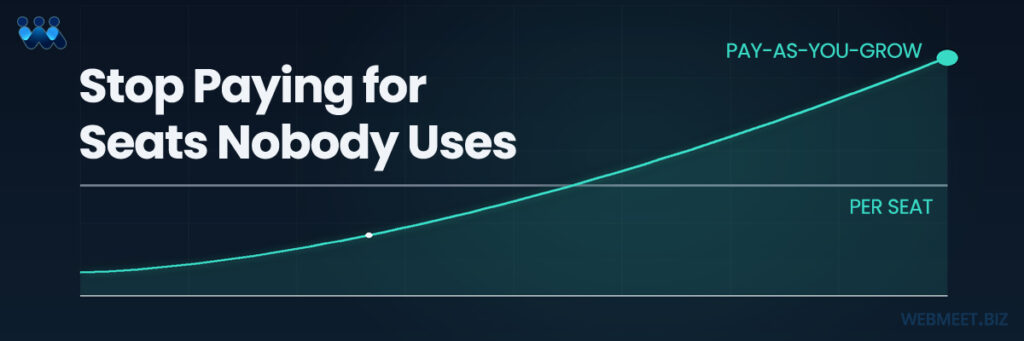
Here’s a number worth sitting with: a 20-person team on a per-seat platform pays for 20 licenses, even if only half of them are ever online at the same time. That’s not a pricing model. That’s a tax on having a team at all.
What would it mean for your business if you designed your own pricing, instead of being boxed into someone else’s? A Licensee can package any seat configuration for its clients. For example, pre-set room sizes like 100-seat or 1000-seat tiers, or fully custom sizes built around what you actually need. You’re not renting someone else’s pricing philosophy. You’re building your own.
Every Login Comes With a Sales Pitch
You just want to run your meeting. Instead, you get a pop-up asking you to upgrade. Again. It’s a small thing, but it adds up to a platform that feels like it’s selling to you instead of serving you.
WebMeet® takes a different approach entirely. Licensees can offer trial accounts under their own brand, and those trials include full access to every feature and function not a stripped-down taste of what you’re missing. The trial simply runs for 10 days, and if it isn’t upgraded, the account deactivates until the user chooses to do so. There’s no nagging, no in-meeting pop-ups, no interruptions asking you to upgrade while you’re trying to run a meeting. The system never bothers you mid-meeting the choice to upgrade is entirely yours, made on your own timeline, not one imposed on you while you’re trying to get work done.
Your Meeting Shouldn’t Have a Countdown Timer
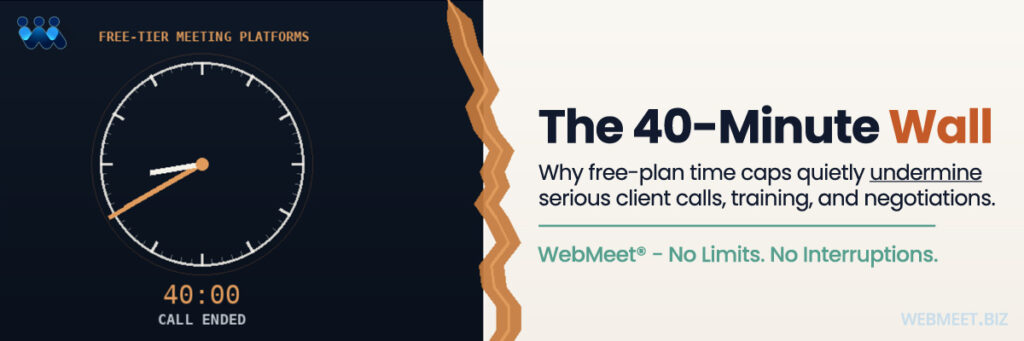
You know the moment. You’re 38 minutes into a meeting that matters, and you can feel the clock ticking toward the cutoff. Wrap up fast, or lose the connection and make everyone rejoin.
Why should a conversation have to fit inside someone else’s timer?
WebMeet® trial accounts don’t run on a countdown. No time limits, no feature restrictions, no meeting that ends because the free plan says it has to. Every trial account gets full access to every feature, for the full 10 days not a stripped-down version with an invisible clock running in the background.
Screen-Share Chaos Mid-Presentation
You’re switching between a slide deck, a video, and a link live, in front of the people you’re trying to impress and something breaks. A dropdown fails. The share freezes. You lose ten seconds re-explaining what just happened, and so does your credibility in that moment.
WebMeet’s pre-built meeting rooms eliminate that live juggling entirely. Decks, links, and videos are set up in advance, inside the room itself so there’s no mid-meeting scramble, because there’s nothing left to switch between on the fly.
You Can’t Remember What Was Actually Said
This one’s sneakier. In any meeting where a slide deck or video is the whole point, a grid of live faces sits right next to the content and your brain can only fully focus on one visual stream at a time. You end up splitting attention between watching the material and watching the people watching the material. Comprehension suffers. Retention suffers.
WebMeet® intentionally prevents hosts from having live camera feeds on during slide deck and video content segments of a meeting. No faces competing with the slide. No unconscious effort spent managing how you look on camera. Just the content and a measurably better shot at actually remembering it afterward.
That same camera-off capability, combined with pre-built rooms and WebMeet’s Video Postcard Studio, also addresses the broader fatigue problem. The exhaustion that comes from being “on camera” for hours at a stretch, meeting after meeting, with no natural break built in.
Getting Set Up Takes an Act of IT
Before your team can even use basic features on some platforms, someone in IT has to manually enable the service, configure dial-in permissions, and set join or screen-recording permissions just to get to square one.
With WebMeet®, there’s no IT gatekeeping step. A robust API lets licensees provision meeting room accounts for clients automatically, and a single room can be created manually in under 10 seconds. That’s possible because 100% of the WebMeet® service runs through an internet-connected browser on any device, with audio delivered via integrated VOIP. Nothing to install. Nothing for IT to approve first.
The Bottom Line
None of this is about web meetings being inherently broken. It’s about the assumptions baked into the platforms most people never chose to question. WebMeet® was built by asking a different question at every one of these points: what would this look like if it were built right the first time?
If any of these problems sound familiar, the fix isn’t a new troubleshooting checklist. It’s a different platform.
Schedule a strategy call today, and let’s talk about what a branded web meeting solution could do for your business. Click the Book a Strategy Call button below.