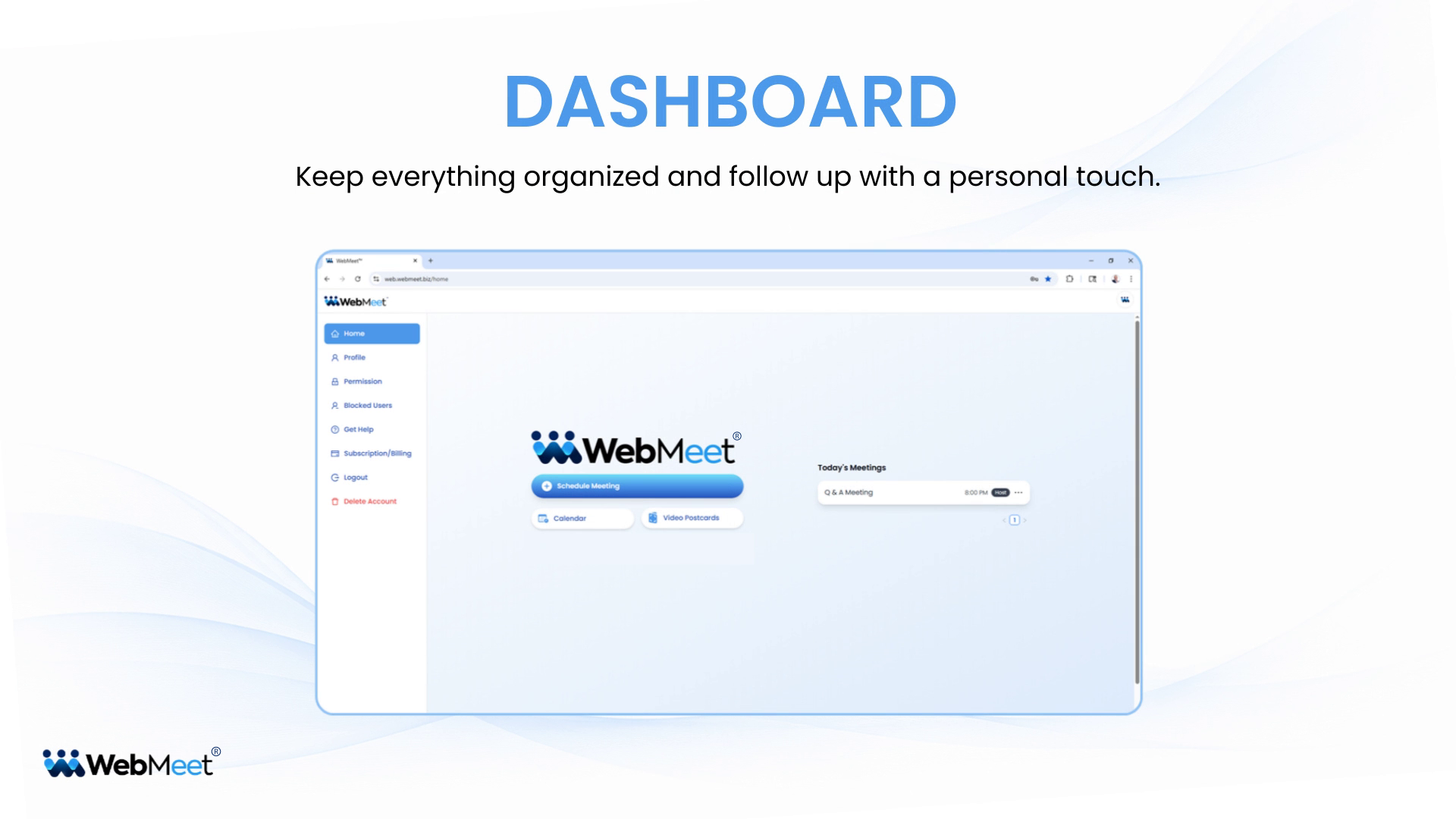
Watch short tutorials designed to help you use every tool with more confidence, less friction, and better results.
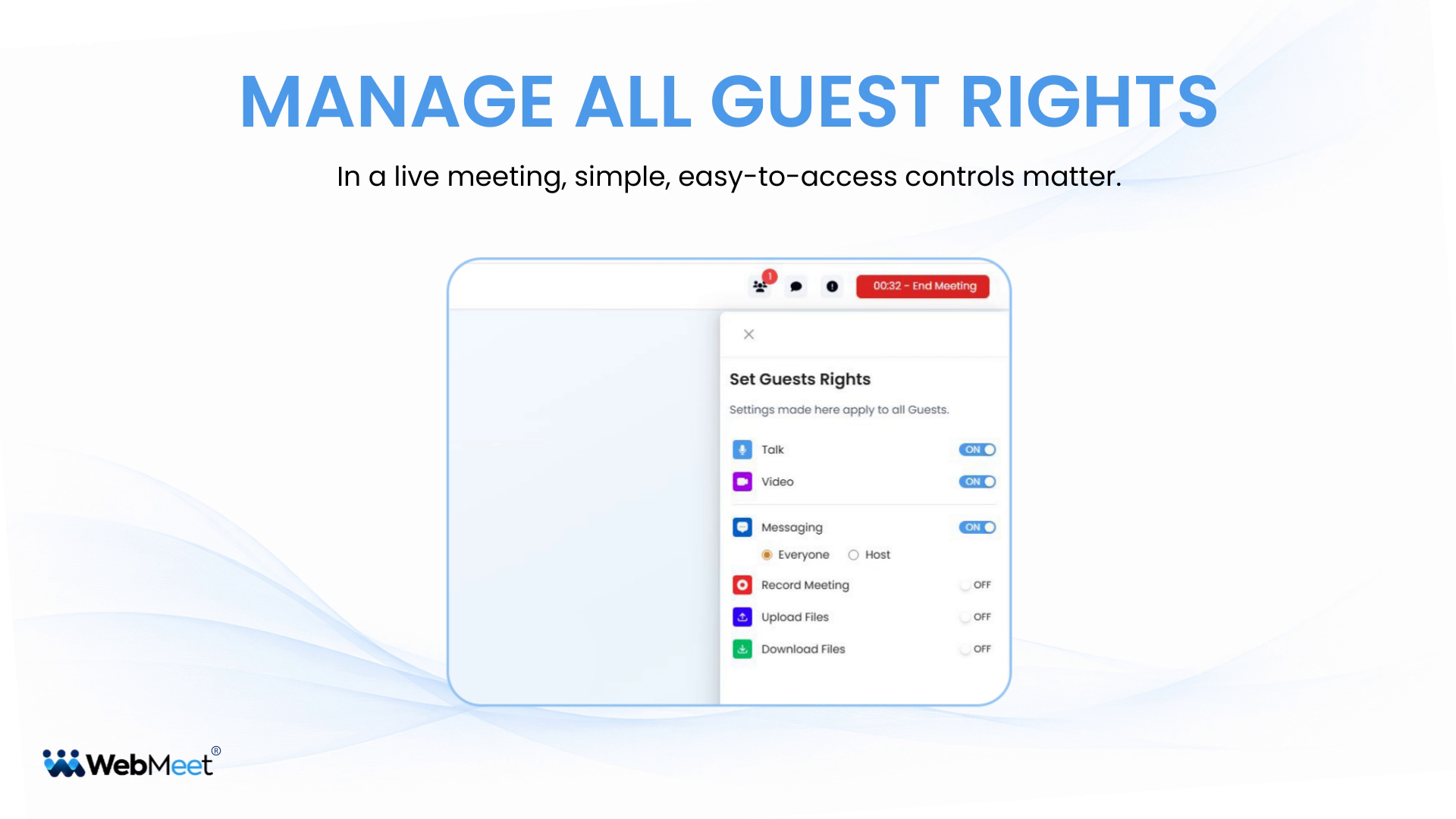
Learn how to manage all guest rights so you can control the meeting experience with confidence.
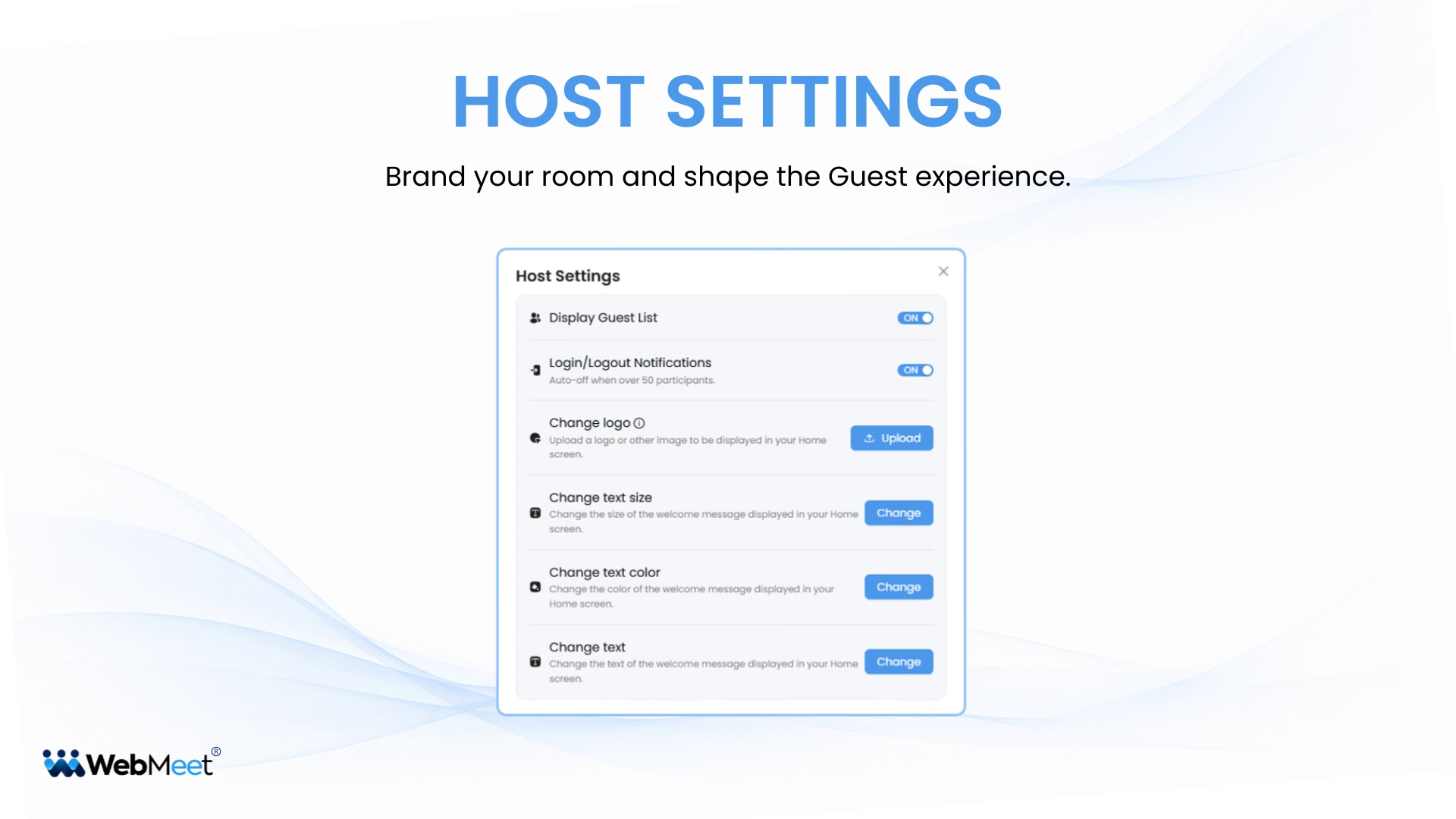
Learn how to use Host Settings to customize your meeting room and shape the Guest experience.
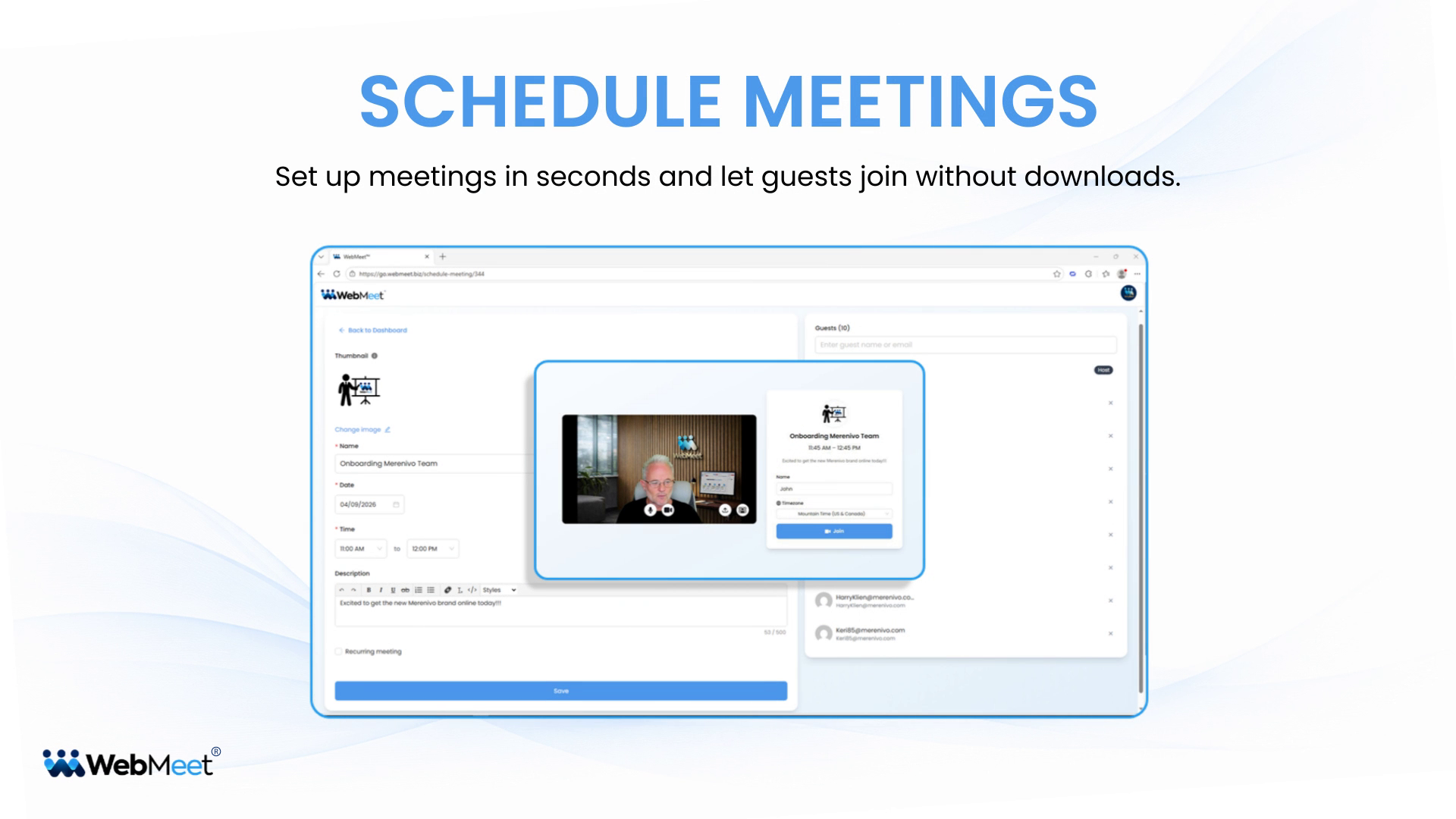
Learn how to schedule meetings in WebMeet® quickly and professionally.
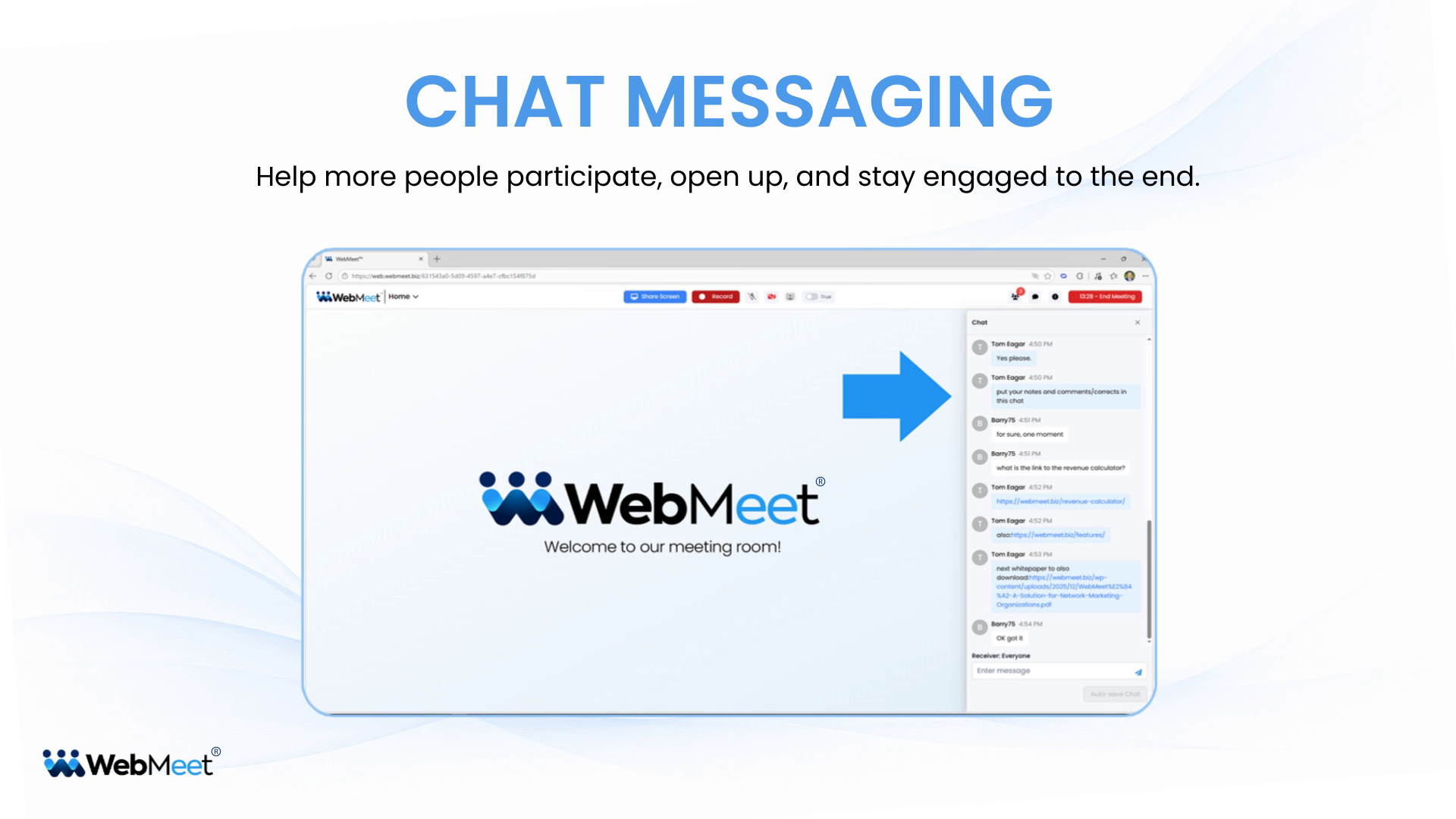
Learn how to use Chat Messaging to keep your meetings interactive and easy to follow.
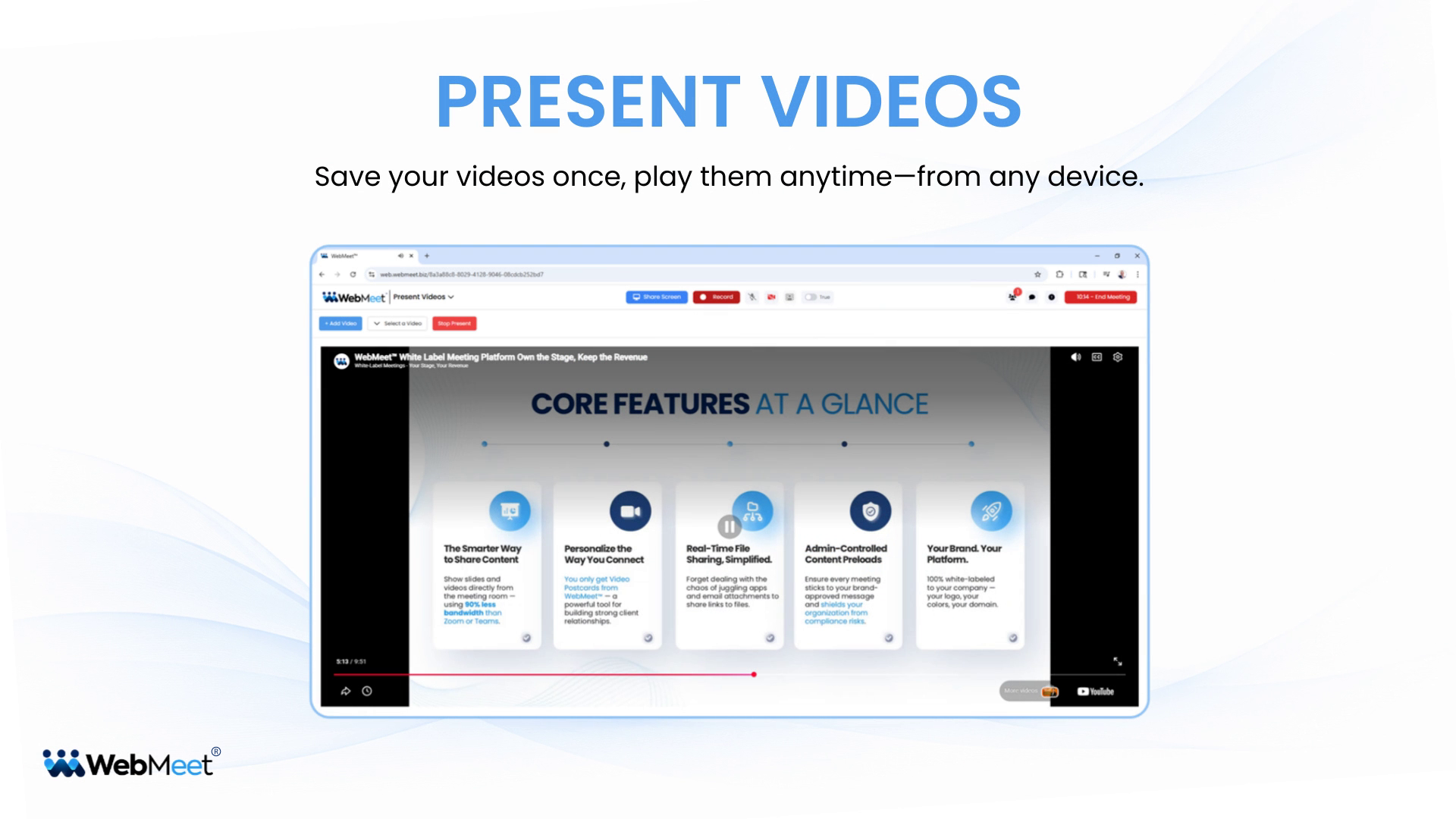
Learn how to use Present Videos to add and play video content directly inside your meeting room.
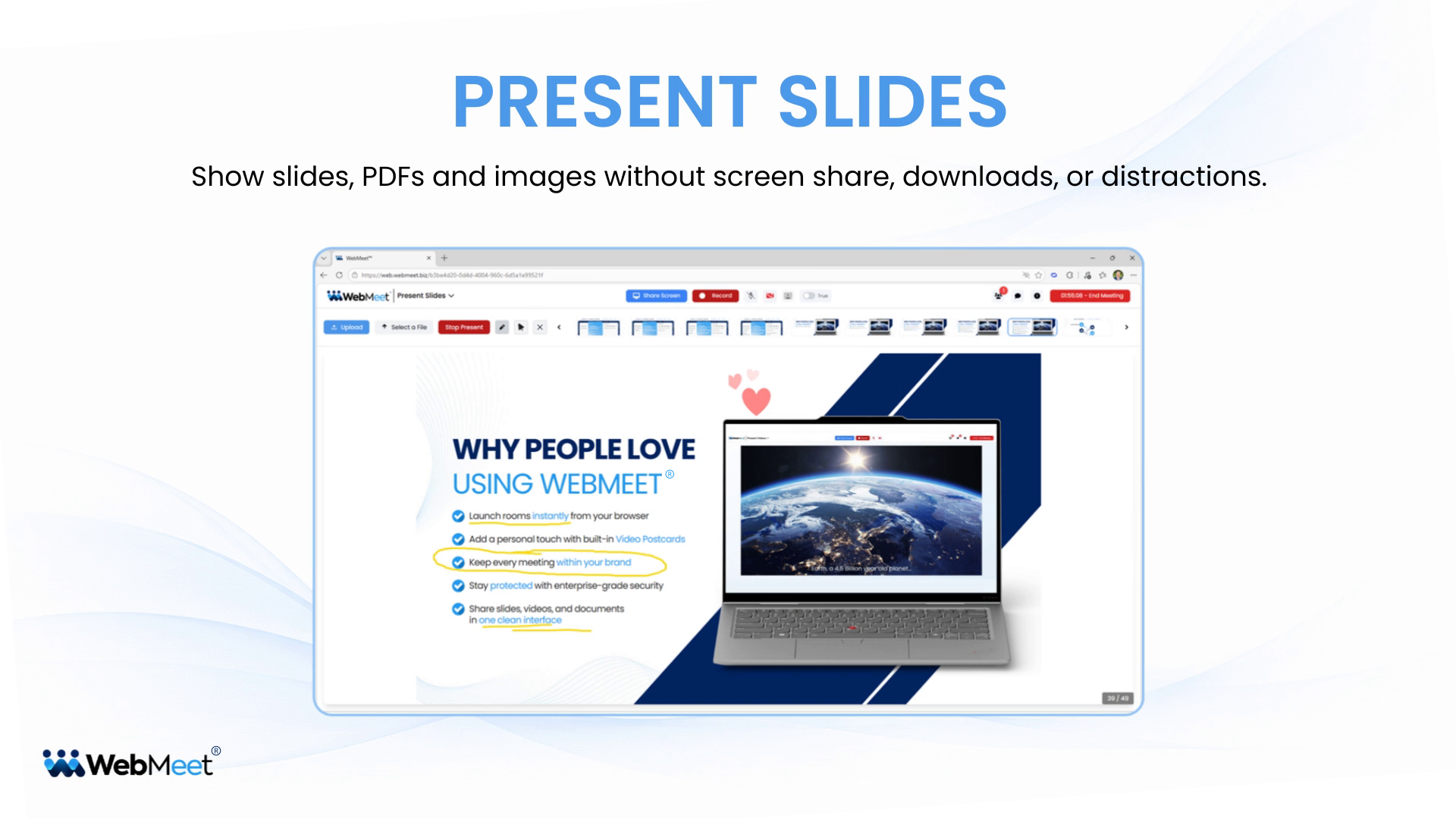
Learn how to use Present Slides to show slides, PDFs, and images without screen sharing.
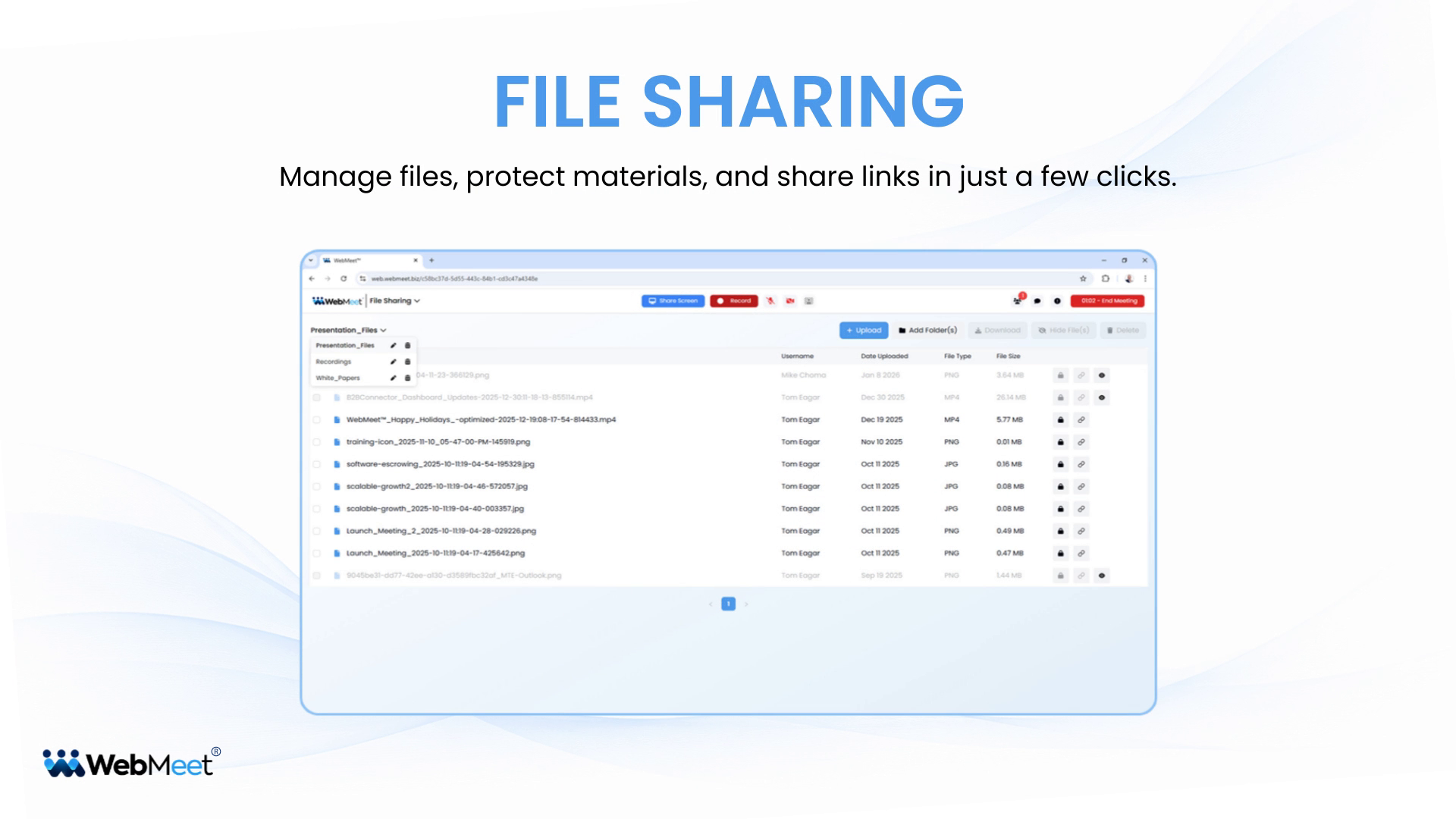
Learn how to use File Sharing to upload files, protect with passwords, and share in 2 clicks.
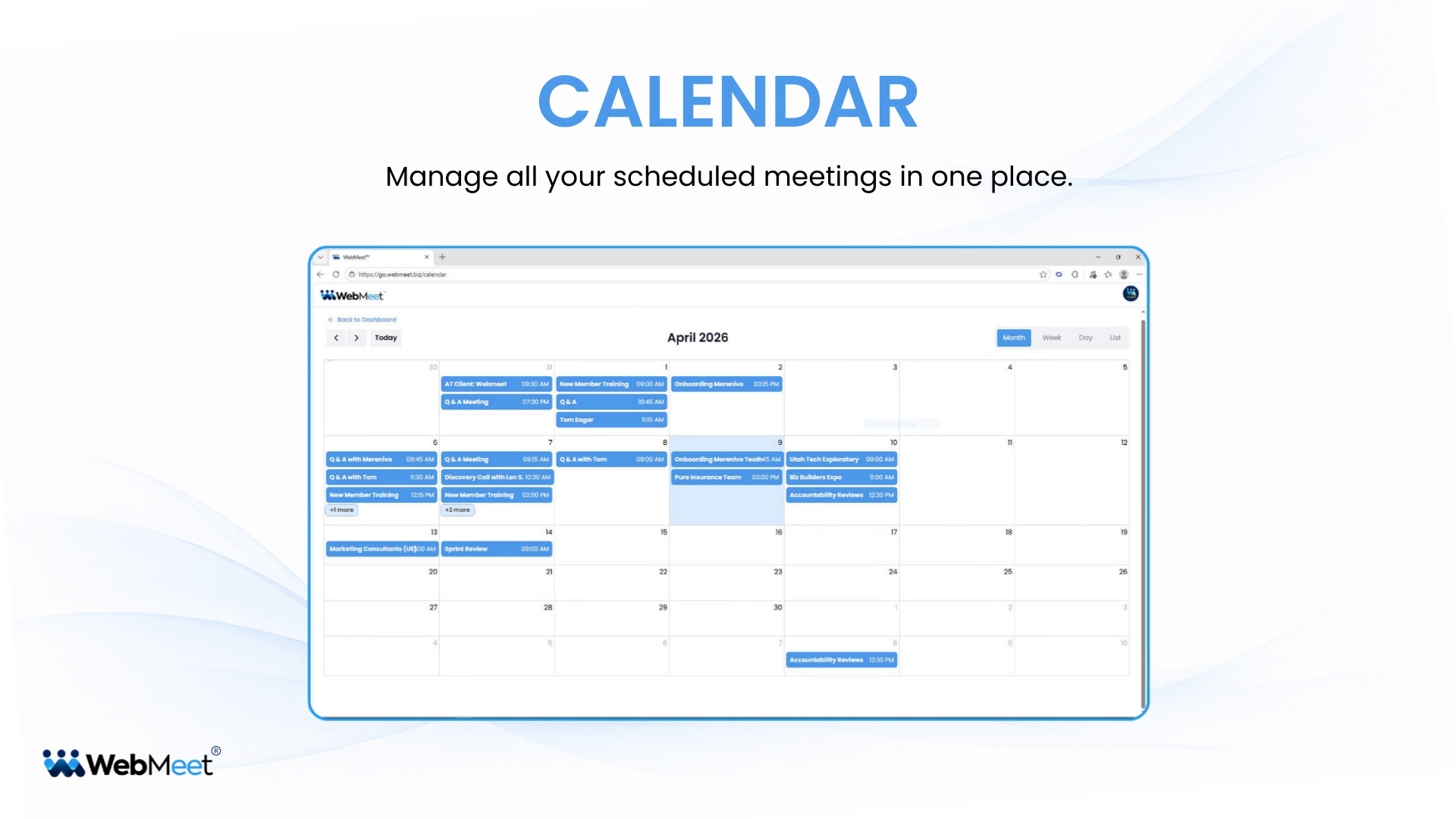
Learn how to use the Calendar to manage all your scheduled meetings in one place.
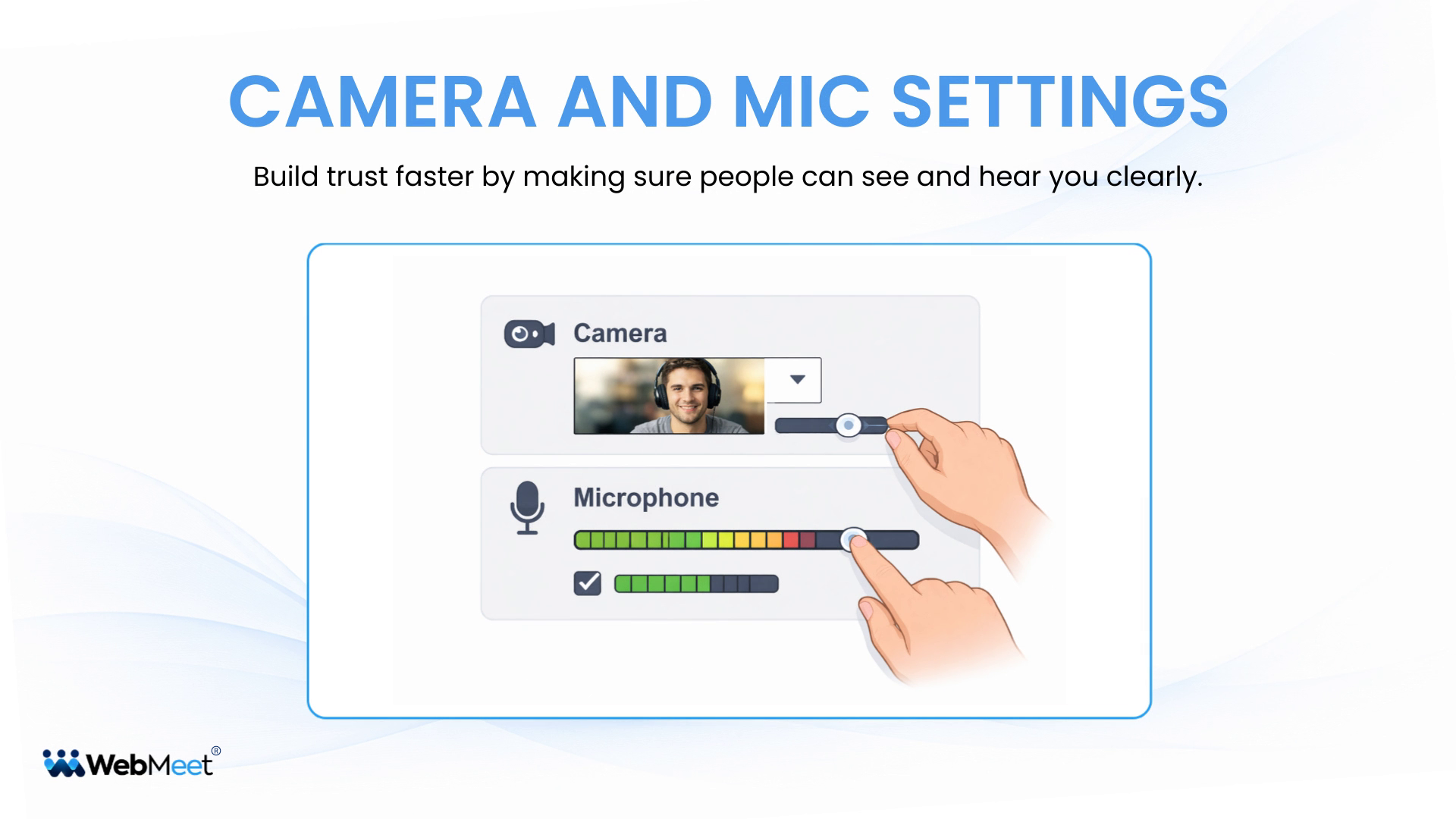
Learn how to adjust your camera and microphone settings in any web browser.
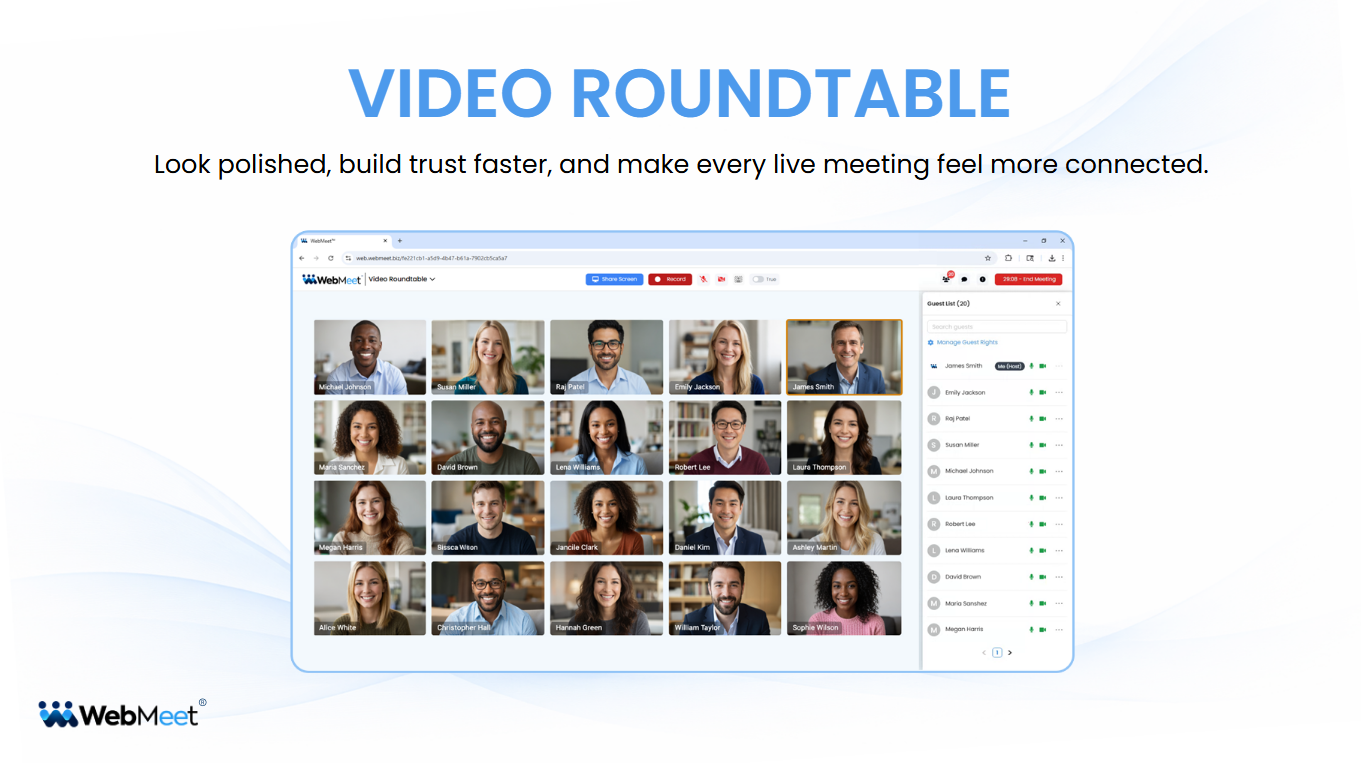
Bring people together for interactive conversations, training, and team collaboration.
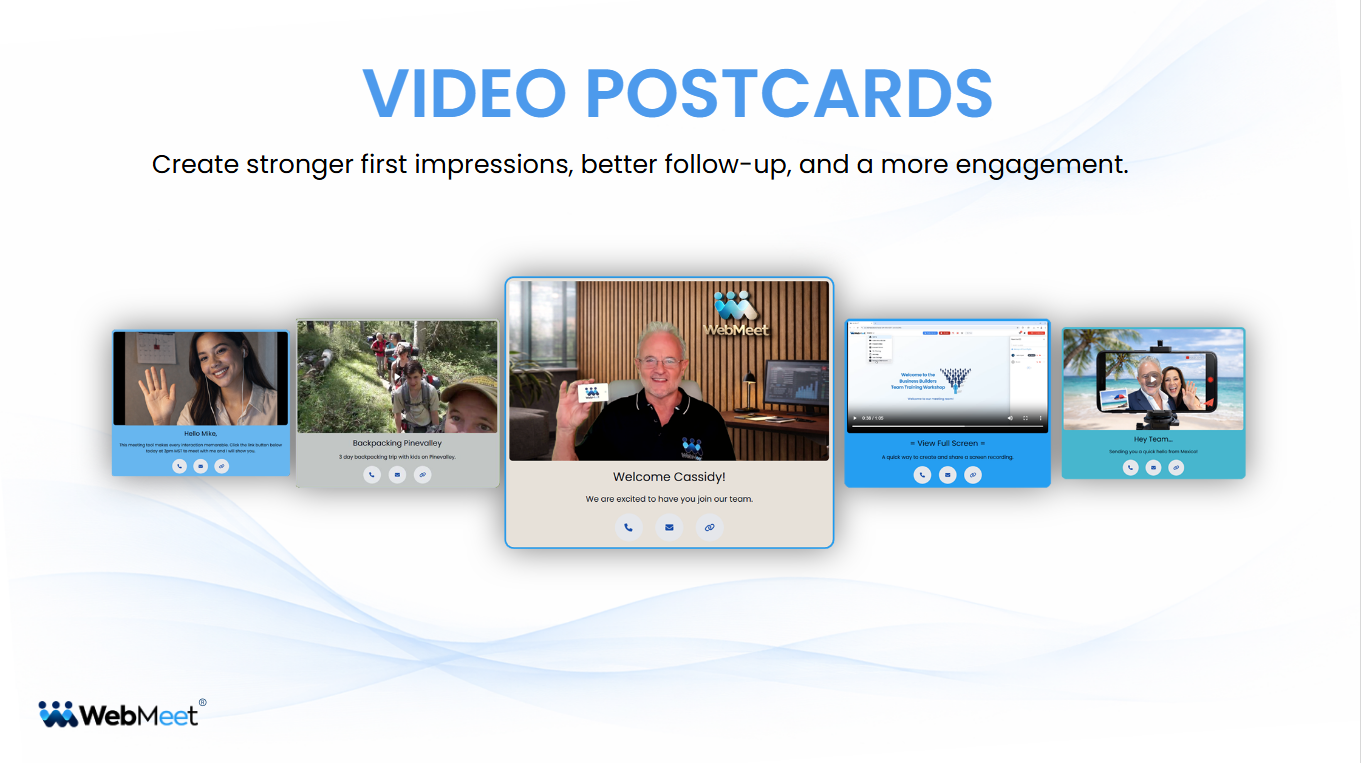
Create stronger first impressions, add a human touch that makes your follow-up memorable.
WebMeet® gives you purpose-built tools that can reduce distractions and improve clarity.
The Executive Brief will be sent to your email.
Your info will never be shared or sold.